Find your nearest Bitcoin ATM
- ATM locations
- 1,350+
- U.S. states
- 42+

News
Stay updated with the latest crypto news.
Learn
Explore our learning platform for crypto education.
Media Kit
Access our brand assets and media resources.
Converter
Easily convert your fiat currency to crypto and vice versa.
Mission
Understand our vision for a transparent and fair economy.
Press Releases
Read our latest press releases.
Legal Agreements
View our terms and legal agreements.
FAQ
Find answers to frequently asked questions.
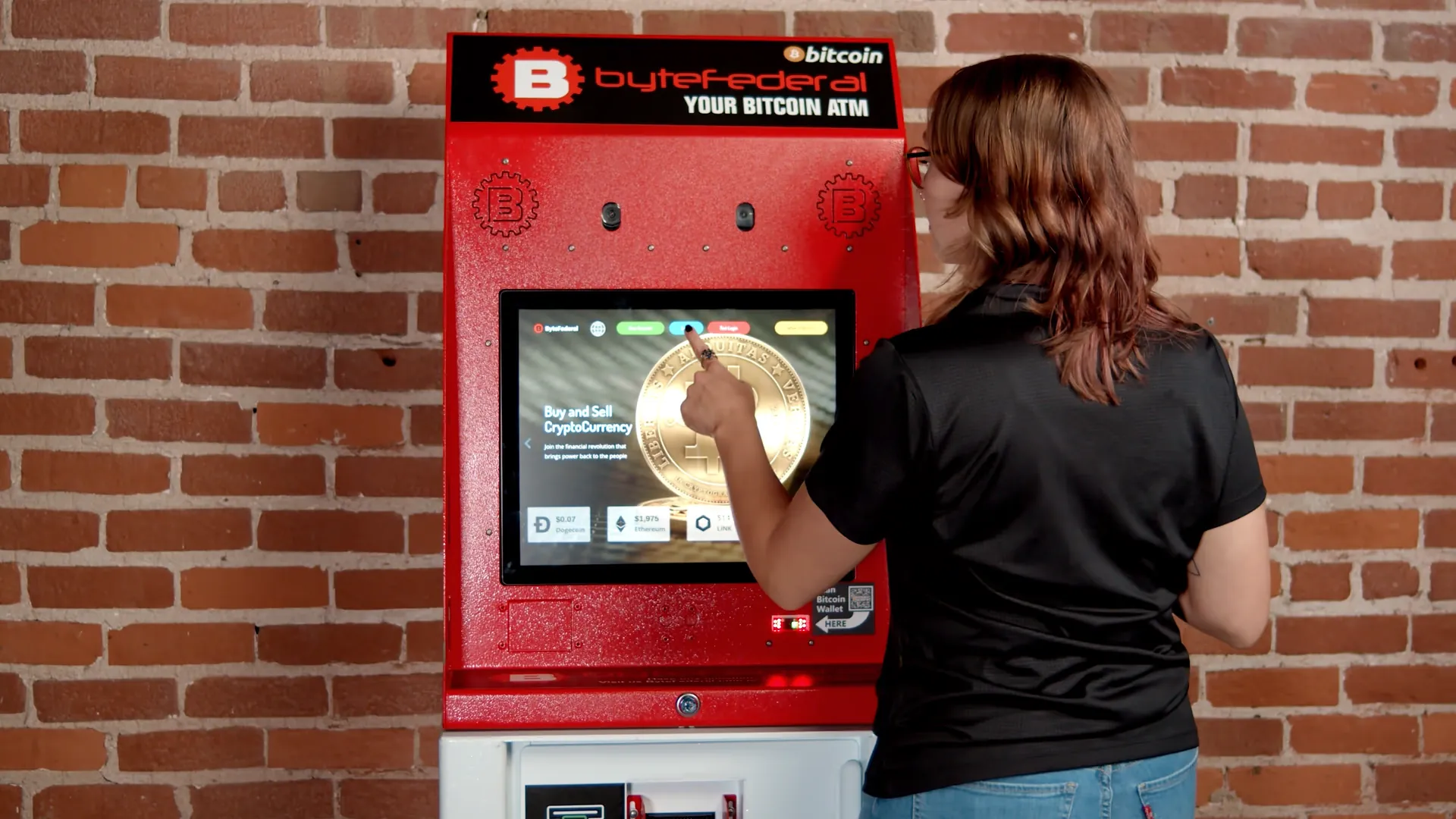
Bring cash, a mobile phone, a government-issued photo ID, and a Bitcoin wallet with a public receiving QR code. The kiosk will guide you from verification to confirmation.
Enter your phone number, use the security code sent to you, and follow the identity prompts.
Open the Receive screen in your wallet and scan its public address at the kiosk.
Choose the amount and insert bills one at a time while the kiosk updates your total.
Check the rate, fees, wallet address, and Bitcoin amount before pressing Done.
Set up your wallet and gather these items before leaving so you can follow the kiosk prompts without interruption.
Cash U.S. bills in good condition.
Mobile phone For your wallet and SMS security code.
Photo ID A valid government-issued document such as a driver's license or passport.
Bitcoin wallet Open the Receive screen so its public QR code is ready to scan.

Be ready to transact before getting to the ATM. Verify online. Buy faster in person.
Register Now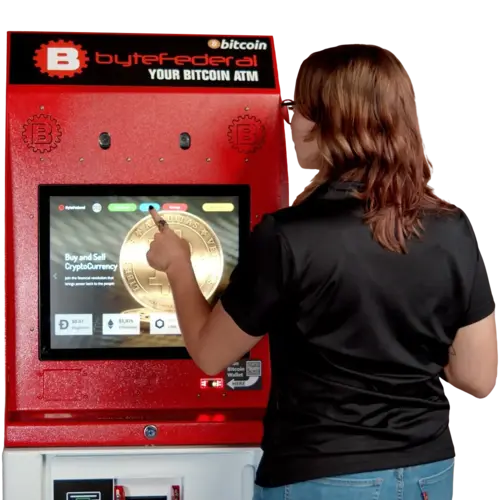
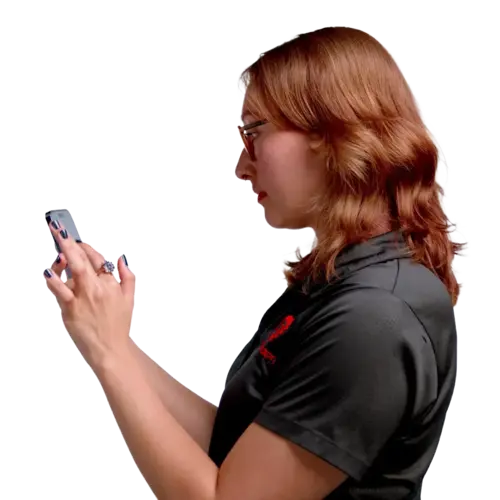
The bitcoin ATM usually asks for your mobile number and identification. Then, you should get a verification code before proceeding with a transaction.
To use a Bitcoin ATM, you need a Bitcoin address and its QR code. If you don't have one, create it now. For this, ByteVault is highly recommended.
Enter the amount you wish to exchange for Bitcoin and insert your cash into the designated slot, similar to a traditional ATM.
The BTM will display the equivalent value in Bitcoin. Ensure you're satisfied with the exchange rate before proceeding.
Verify that the inserted amount is correct and that everything looks good, press "Done" to complete the transaction.
Be aware that processing times for Bitcoin ATM transactions can vary, often taking around ten minutes, sometimes longer.
You can also sell your Bitcoin at designated Byte Federal ATMs.
Stop if another person told you to use the ATM. Only send cryptocurrency to a wallet you own.
Use the ATM only to send cryptocurrency to your own wallet. If someone tells you to use a kiosk to pay a bill, fine, investment, technical support charge, or emergency request, stop. Do not continue the transaction.
Learn how to spot a scamByte Federal ATM fees vary by region and Bitcoin rate source. The kiosk displays a rate that includes its fees before you confirm. Check the cash inserted, wallet address, rate, and amount of cryptocurrency you will receive.
Keep your transaction receipt until the cryptocurrency appears in your wallet. It contains the information support needs to locate the transaction.
| Problem | What to do |
|---|---|
| The wallet QR code will not scan | Open the Receive screen, raise your phone brightness, enlarge the QR code, and make sure you are showing a public receiving address. |
| The kiosk rejects a cash bill | Flatten folded or wrinkled bills, insert one bill at a time, and try another bill if the kiosk returns it. |
| Bitcoin is not visible in the wallet | Keep the receipt and allow 20 to 30 minutes for dispatch and network processing. Some wallets wait for a confirmation before showing the balance. |
| The kiosk shows an error | Note the location and the kiosk serial number, then contact Byte Federal through live chat or call (786) 686-2983 |
Byte Federal has an average 4.88 rating across 500+ verified customer reviews.
“The ATM worked exactly as expected, very fast confirmation.”
“The machines are easy to use, and it gets easier every time.”
“Easy to use, and very helpful customer support.”
Find concise answers about preparation, identification, limits, fees, cash, selling, safety, and transaction support.
Still need help? Contact supportA one-way Bitcoin ATM lets you buy cryptocurrency with cash. A two-way ATM also lets you sell supported cryptocurrency and withdraw cash. Check a Byte Federal location page to confirm which services are available.
Yes. Bring a valid government-issued photo ID and your mobile phone. Identity verification protects customers and supports KYC and anti-money laundering compliance.
Yes. Your wallet provides the public receiving address and QR code the ATM needs to send your Bitcoin. Set up a trusted wallet and back up its recovery phrase before visiting the kiosk.
The first transaction limit is up to $300. After successful registration, the daily limit can increase to $29,500. Your state and verification status may result in a different limit.
The kiosk process usually takes only a few minutes. Bitcoin may take 20 to 30 minutes to appear in your wallet after purchase, especially when the Bitcoin network is busy.
Fees vary by region and the current Bitcoin rate source. The kiosk displays a Bitcoin rate that includes Byte Federal fees before you confirm, so review the amount of cryptocurrency you will receive before completing the transaction.
Bring U.S. cash in good condition. The kiosk will show which bills it accepts. Flatten folded or wrinkled bills and insert them one at a time.
Yes, at designated two-way Byte Federal ATMs. Confirm that the location supports selling, choose Sell Crypto, send the exact amount requested, wait for confirmation, and then collect your cash.
Byte Federal ATMs use identity checks and transaction monitoring, but you still control where the cryptocurrency is sent. Use only your own wallet, protect your recovery phrase, and never transact at the direction of a stranger.
Keep your receipt and note the kiosk address or serial number. If the transaction is not visible after allowing time for network processing, contact Byte Federal support by live chat or phone at (786) 686-2983.
A Bitcoin ATM converts physical cash to cryptocurrency at a nearby kiosk without linking a bank account. An online exchange is account-based and usually requires a bank transfer, debit card, or other electronic payment method.
Get detailed answers on first purchases, kiosk steps, fees, and transaction limits from Byte Federal University.
Find a nearby location, review its hours and services, and register before you travel to shorten your time at the kiosk.